

TRUSTED BY 150,000+ BUSINESSES & PROFESSIONALS
Online Paystub Generator with Accurate Tax Calculations
Generate pay stubs with Accurate federal, state & local tax calculations for all 50 states — built for small businesses, 1099 contractors, and self-employed professionals.
4.9/5 from 1,200+ verified reviews
Updated for 2026
tax calculations
25+ Free Templates
For Employees & Contractors
No Subscription
Needed
Instant PDF
Download
How It Works
Create a Pay Stub in 3 Simple Steps
No payroll experience is needed. Our tool handles all tax math automatically.

Step 1
Enter Your Details
Add your company name, employee info, pay period, and salary. We support hourly, salary, and contractor pay types.

Step 2
Preview Your Professional Pay Stub
Instantly preview a professional, formatted pay stub. Taxes are auto calculated based on your state, federal and local taxes

Step 3
Download or Email
Download as a PDF instantly or send it directly to your employee's inbox. Share the link or print from any device.

Who It's For
Built for Every Type of Worker
Whether you have 1 employee or 100 — SecurePayStubs has you covered.
Use pay stubs for
loan applications, rental verification, tax filing, and income proof.Features
Everything You Need in a Pay Stub Generator
Designed for accuracy, speed, and simplicity — no accountant needed.

Mobile App
Generate pay stubs from anywhere

The full SecurePayStubs experience — now on your phone. Create, preview, and send pay stubs in minutes from iOS or Android, with complete feature parity to desktop.
Full feature parity
Every desktop feature available on mobile — tax calc, templates, YTD tracking, and deposit slips.
Generate in under 4 minutes
Tap through your details, preview the stub, and download or email the PDF — all from your phone.
Instant PDF download
Save stubs directly to your device or share via email and messages — no watermarks, print-ready quality.
All 50 states, on the go
Auto-calculates state, federal, and local taxes for any U.S. state — wherever you are.


Why SecurePayStubs Outperforms the Rest
No monthly fees, no subscriptions, and your first stub is always free.
| Feature | SecurePayStubs | Other Generators | Payroll Software |
|---|---|---|---|
| Pricing model | Pay per stub | Subscription or per-stub | Monthly fees ($50–$200+) |
| First stub free | Yes, always | Rarely | No |
| Auto tax calculation | All 50 states | Limited states | Yes |
| No monthly commitment | Never | Often required | Always required |
| Template customization | Full branding | Minimal | Moderate |
| Deposit slip & YTD support | Built-in | Usually not | Yes |
| Mobile app | iOS & Android | Web only | Usually |
Paystub Generator for Every U.S. State
SecurePayStubs automatically applies the correct state tax rates, deductions, and compliance rules
for wherever your employees work or live.
AL
Alabama
State tax
AZ
Arizona
State tax
CA
California
SDI included
CO
Colorado
State tax
CT
Connecticut
State tax
FL
Florida
No income tax
GA
Georgia
State tax
IL
Illinois
State tax
IN
Indiana
State tax
IA
Iowa
State tax
KY
Kentucky
State tax
LA
Louisiana
State tax
MD
Maryland
Local tax
MA
Massachusetts
State tax
MI
Michigan
State tax
MN
Minnesota
State tax
MO
Missouri
State tax
NV
Nevada
No income tax
NJ
New Jersey
State tax
NY
New York
NYC local tax
NC
North Carolina
State tax
OH
Ohio
State tax
OK
Oklahoma
State tax
OR
Oregon
State tax
PA
Pennsylvania
EIT included
SC
South Carolina
State tax
TN
Tennessee
No income tax
TX
Texas
No income tax
UT
Utah
State tax
WA
Washington
No income tax
+20 More States
All 50 states fully supported — select any state to see its specific tax rules
Pricing
Simple, Honest Pricing — No Surprises
No monthly fees. No subscriptions. Just pay for what you use — starting at $4.99 per stub.
💳 All Credit and Debit Cards Accepted · 30-Day Money-Back Policy · No Watermarks on Final Stubs
What Customers Say About SecurePayStubs
Real reviews from small business owners, freelancers, and contractors who use SecurePayStubs every pay period..
"I've tried four other paystub tools, and this is by far the most accurate. It automatically handled my California SDI and caught a difference I'd been calculating wrong for months. Worth every penny."
Sarah M
Small Business Owner · Los Angeles, CA
"As a freelance consultant, I needed a quick pay stub for a mortgage application. SecurePayStubs had it done in under 4 minutes; the bank accepted it with zero issues. The price is unbeatable at $4.99."
James R
Independent Consultant · Austin, TX
"I manage payroll for 12 remote employees across 5 states. The fact that it handles state-specific taxes automatically saves me 3 hours every pay period. The bulk creation and address book are game changers."
Kingston J
HR Manager · Nashville, TN
"DoorDash doesn't give you proper paystubs. Landlords kept rejecting my application until I used SecurePayStubs to generate a proper income document. Approved for my apartment the same week."
Marcus T
Gig Worker · Miami, FL
"The unlimited corrections feature was sold to me. I made a typo on the employer address and just fixed it on the spot — no extra charge. Other sites would have made me buy a new stub. Never switch."
Glenn M
Sole Proprietor · Nashville, TN
"SecurePayStubs is affordable, easy to use, and provides highly accurate tax calculations. It's a simple and cool application ."
Linda W
Freelance Designer · Chicago, IL
Generate Your First Pay Stub Completely Free
Join 150,000+ U.S. businesses and professionals who trust SecurePayStubs for accurate, professional, IRS-compliant pay stubs.
Use Code FIRSTSTUB at Checkout — Get First Stub Free. Then $4.99/stub.
No Subscription
30-Day Money-Back Policy
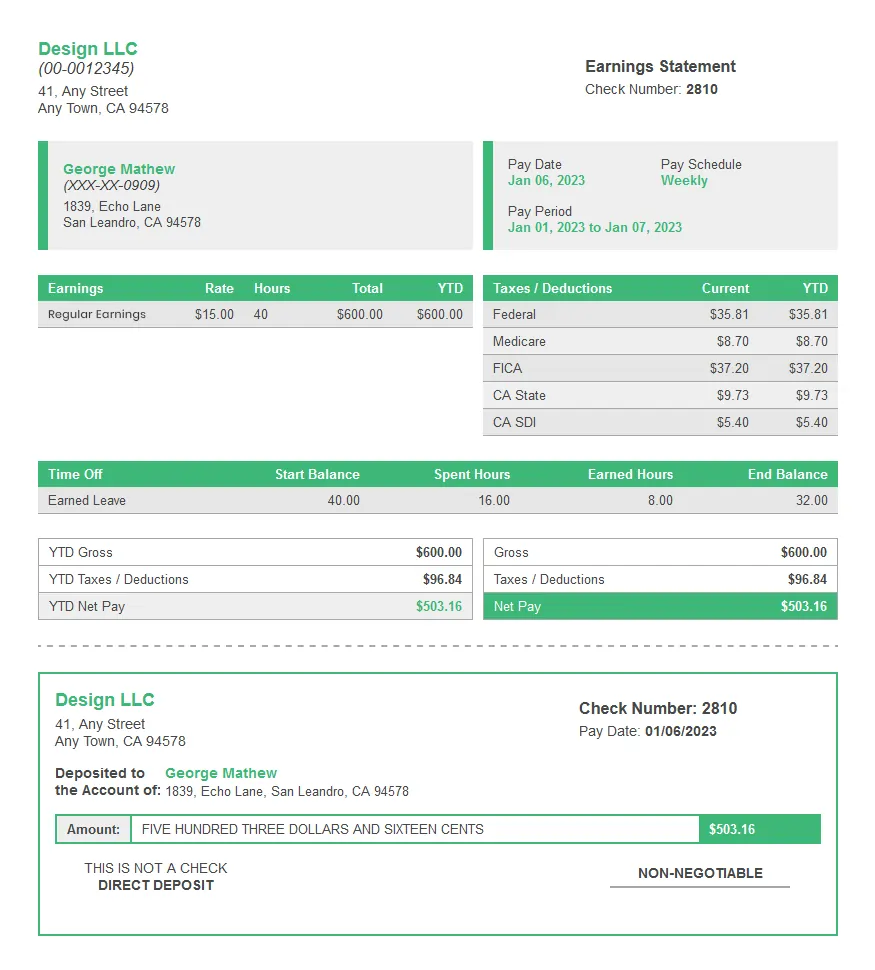
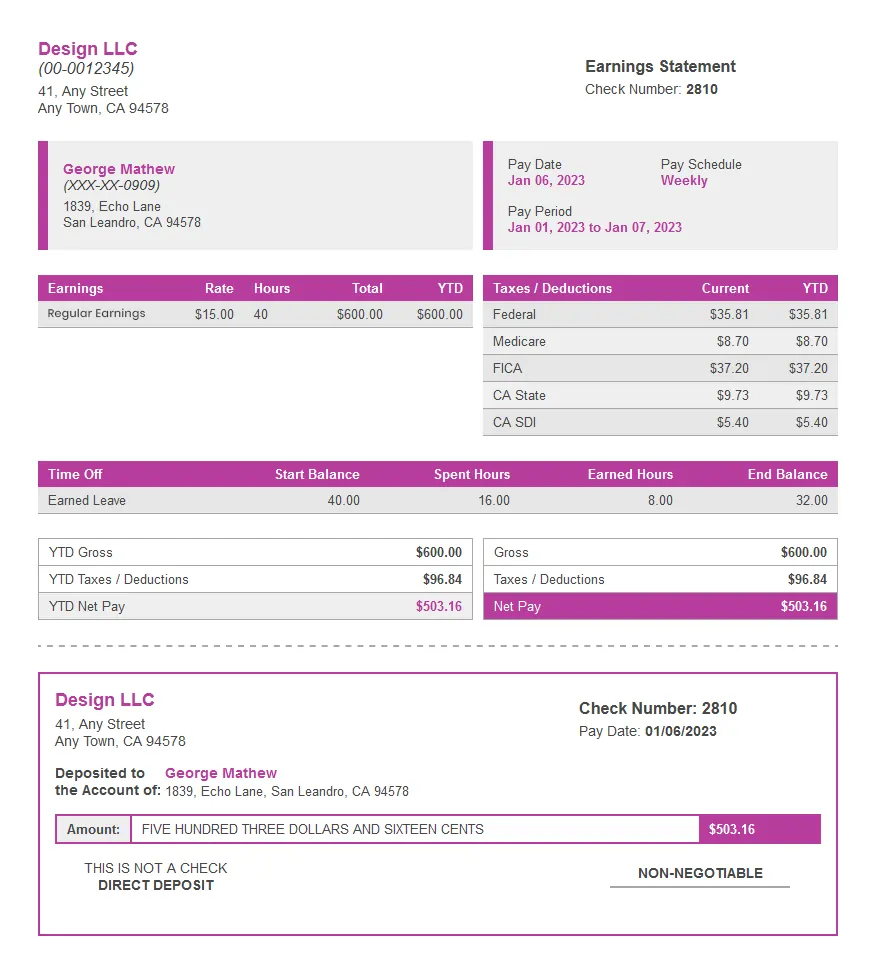
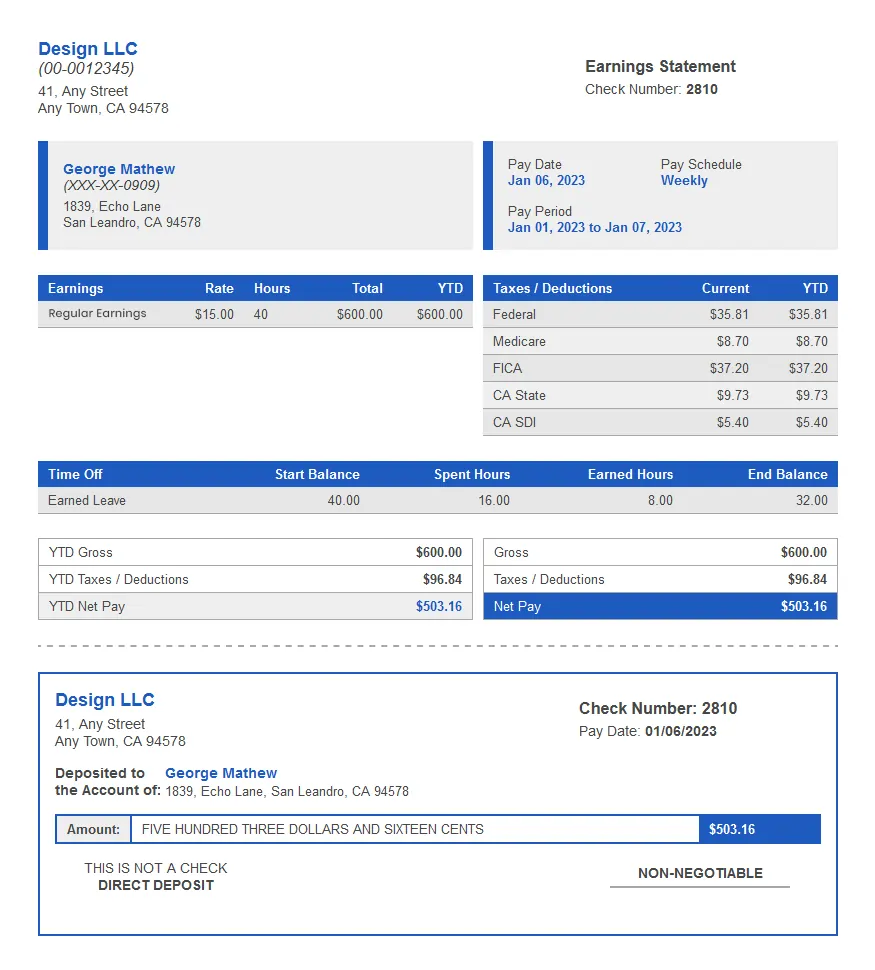
Sample paystub
See exactly what you'll get — before you pay
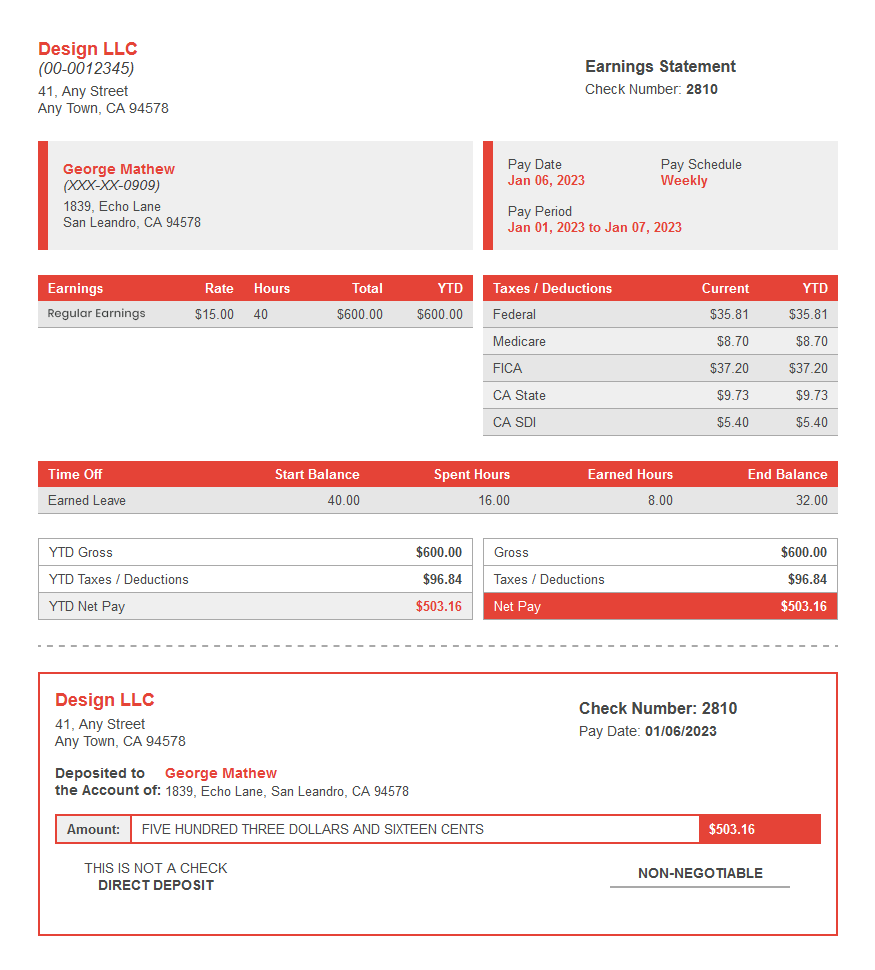
Every SecurePayStubs PDF includes the fields employers are required to show: pay period, gross and net pay, each tax and deduction, and year-to-date totals.
All required payroll fields — gross pay, net pay, taxes, deductions, YTD
Your company logo and branding — no SecurePayStubs watermark
State-specific tax line items automatically displayed
Direct deposit slip attached at no extra charge
Clean, printer-ready PDF — looks identical on screen and paper
SecurePayStubs Blog
Your go-to resource for understanding pay stub creation. From income proof to tax basics and
payroll management, our guides make every step clear and efficient.


Frequently Asked Questions
Everything you need to know before generating your first pay stub.
What is Paystub?
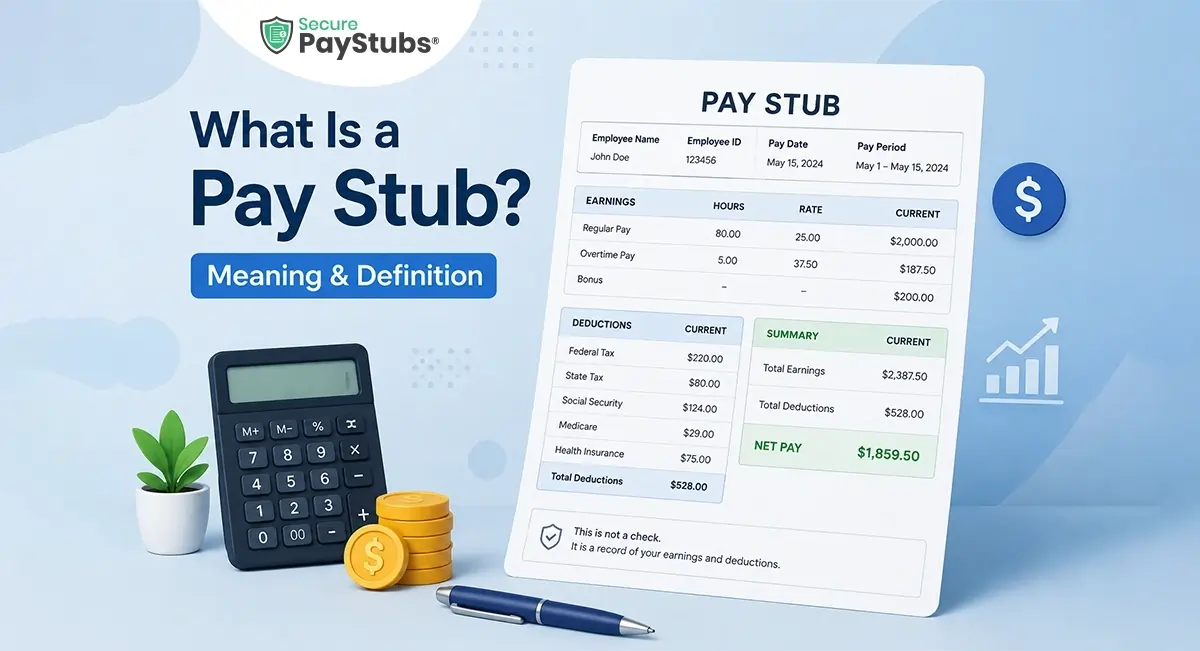
A paystub is a payroll document provided by an employer that shows an employee’s or contractor’s earnings, deductions, and net pay for a specific pay period. It helps workers verify income and track taxes, while helping employers maintain payroll accuracy and compliance.
Paycheck Stub includes gross pay, taxes, deductions, pay date, and year-to-date totals and are commonly used for tax filing, loans, rentals, and financial records.
What is an online pay stub generator?
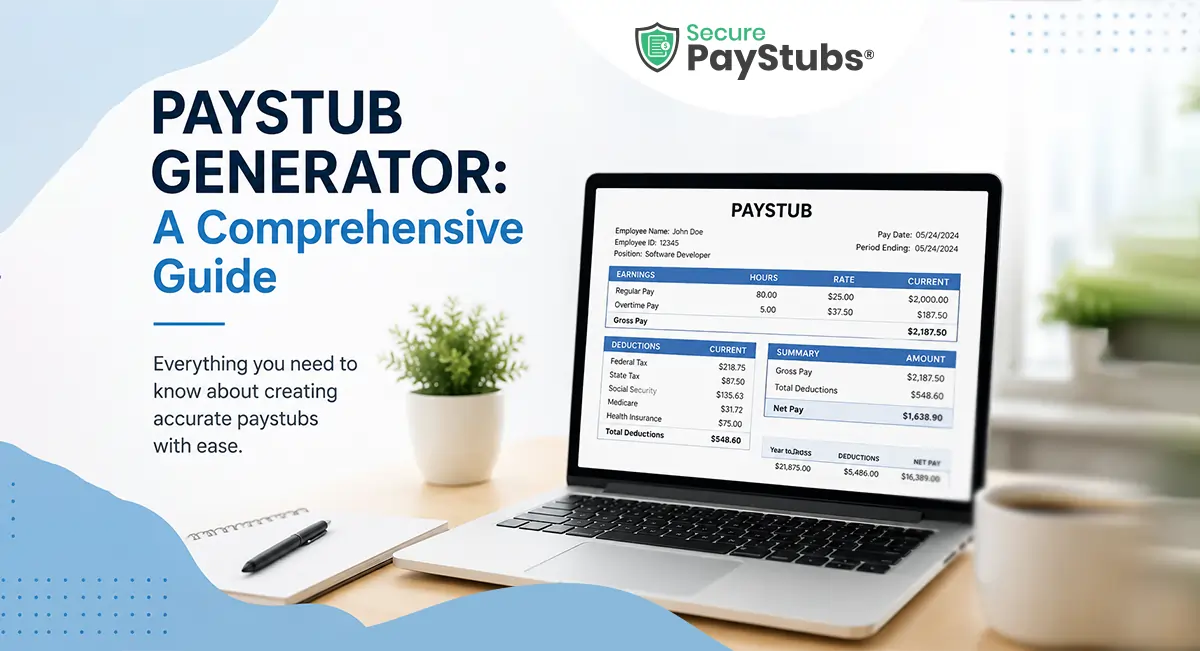
An online pay stub generator is a digital tool that creates professional payroll documents showing an employee's earnings, deductions, and net pay for a specific period. SecurePayStubs automates all federal, state, and local tax calculations, so you get an accurate stub in minutes.
Is it legal to generate your own pay stubs?
Yes. Creating pay stubs is legal when they accurately reflect real employment, earnings, and payroll information. Problems arise when false or misleading information is used to misrepresent income or deceive lenders, landlords, employers, or government agencies.
SecurePayStubs is designed for legitimate income documentation and responsible use. Learn more about our commitment to privacy, accuracy, and fraud prevention in our Responsible Use Center.
How much does it cost to create a pay stub?
Your first pay stub is completely free using code FIRSTSTUB. After that, each stub costs $4.99 no monthly subscription required and Unlimited free corrections.
What Information Should Be Listed on a Pay Stub?
A pay stub provides a detailed summary of an employee's earnings and deductions for a specific pay period. While requirements vary by state, most pay stubs include:
- Employer and employee information
- Pay period dates
- Pay rate and hours worked
- Gross earnings
- Federal, state, and local tax withholdings
- Social Security and Medicare deductions
- Benefits and retirement contributions
- Paid time off (PTO) balances, if applicable
- Year-to-date (YTD) totals
- Net pay (take-home pay)
These details help employees understand how their pay was calculated and keep accurate payroll records.
What Types of Deductions Appear on a Pay Stub?
Payroll deductions are amounts subtracted from an employee's gross pay before they receive their final paycheck. Common deductions include:
- Federal income tax
- State and local income taxes
- Social Security tax
- Medicare tax
- Health insurance premiums
- Retirement plan contributions
- Wage garnishments, when applicable
These deductions are either required by law or authorized by the employee.
What's the Difference Between a Contractor and Employee Pay Stub?
Contractor and employee pay stubs differ because they are taxed differently. Employee pay stubs typically include federal, state, and payroll tax withholdings, while contractor payments are generally made without tax deductions. As a result, contractor pay stubs usually show gross earnings without the standard employee tax withholdings. In certain situations, withholding may apply if required tax information has not been provided.
Is My Information Secure?
Yes. Protecting your data is one of our top priorities. We use industry-standard SSL encryption and secure servers to help safeguard the information you enter on our platform. Your payroll data is transmitted securely, allowing you to create and download pay stubs with confidence.
What is Year to Date (YTD), and why is it required in the paystub?
Year to Date (YTD) is important for both employers and employees. Employers use YTD to track the total payroll expenses, while employees rely on it to determine the taxes to report on their individual income tax return. SecurePayStubs accurately calculates Year to Date (YTD) for you, simplifying the process.